NiMotion Integrated Motor: Controlling the Motor to Run at a Fixed Speed Using a Single Switch
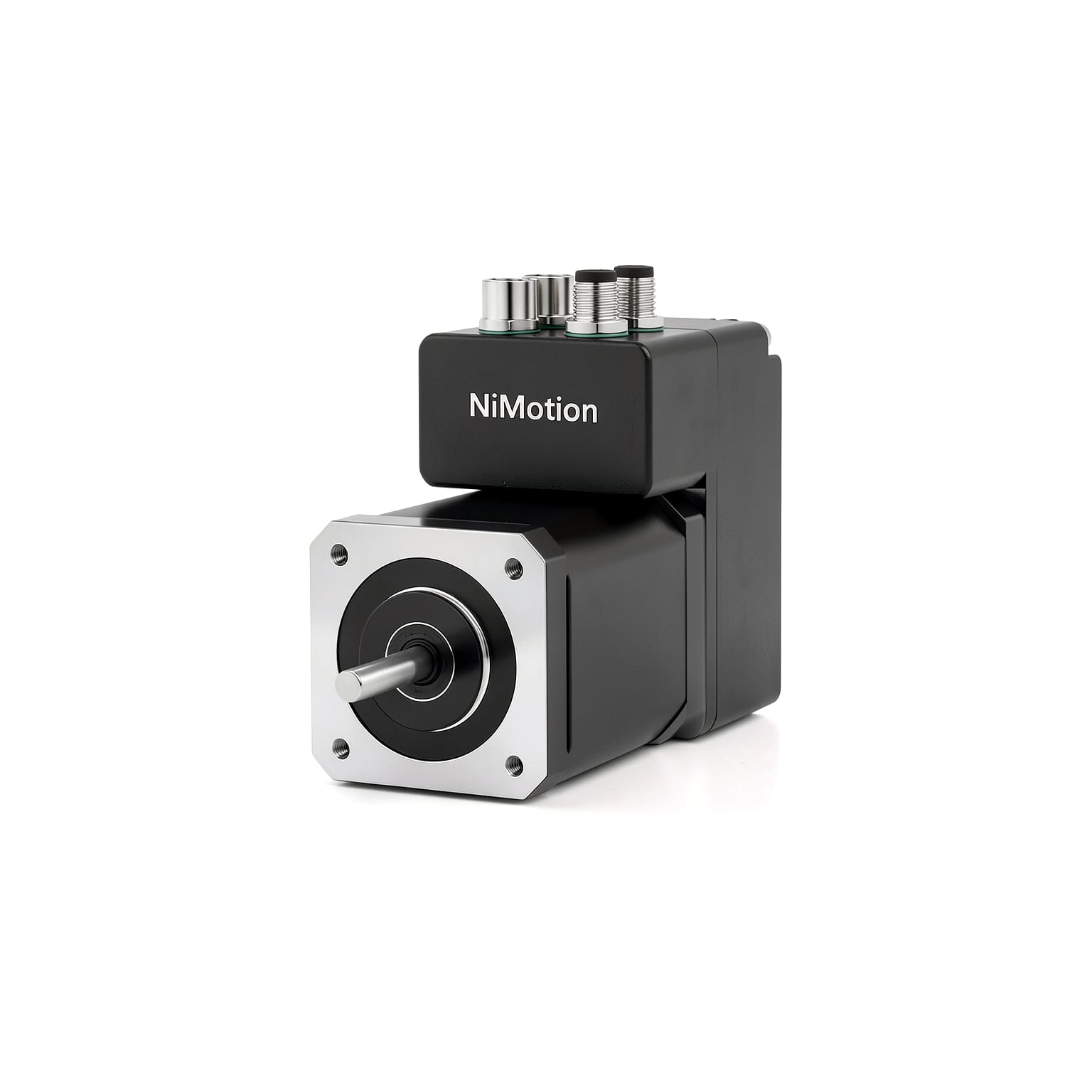
For Nimotion integrated motor products, a switch can be used to control the motor at a fixed speed—a feature suitable for applications such as labeling machines.
The configuration procedure is as follows:
1. Navigate to the "Hardware Configuration" -> "IO Configuration" interface.
2. Set DI1 to "1-Enable".
3. Navigate to the "Motion Configuration" -> "Mode Configuration" interface.
4. Change the mode to: "Manufacturer Mode" -> "2-Nimotion Speed Mode".
5. Set the "Source of Main Speed Command A" to "0-Digital Input" and the "Speed Command Selection" to "0-Main Speed Input".
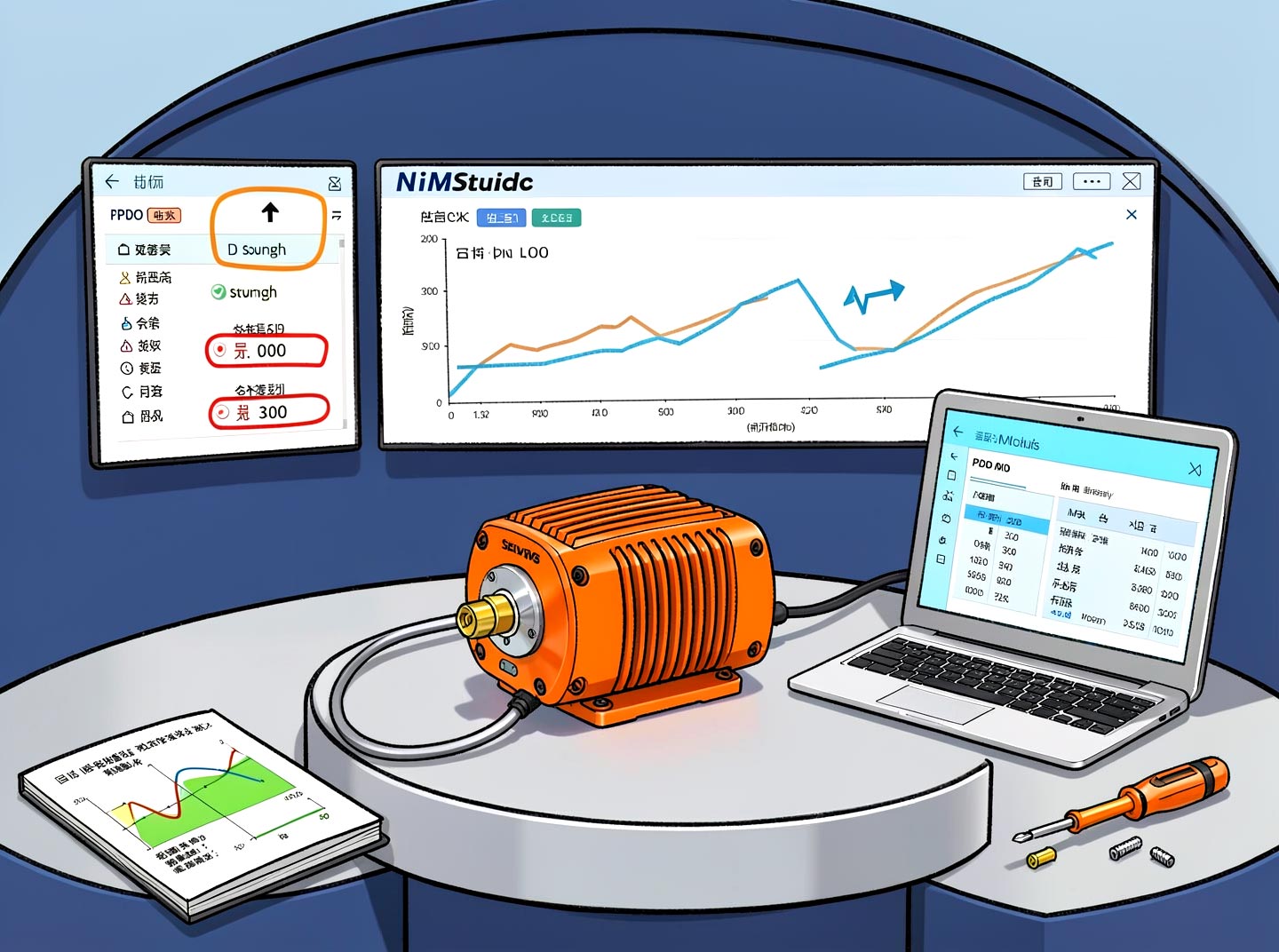
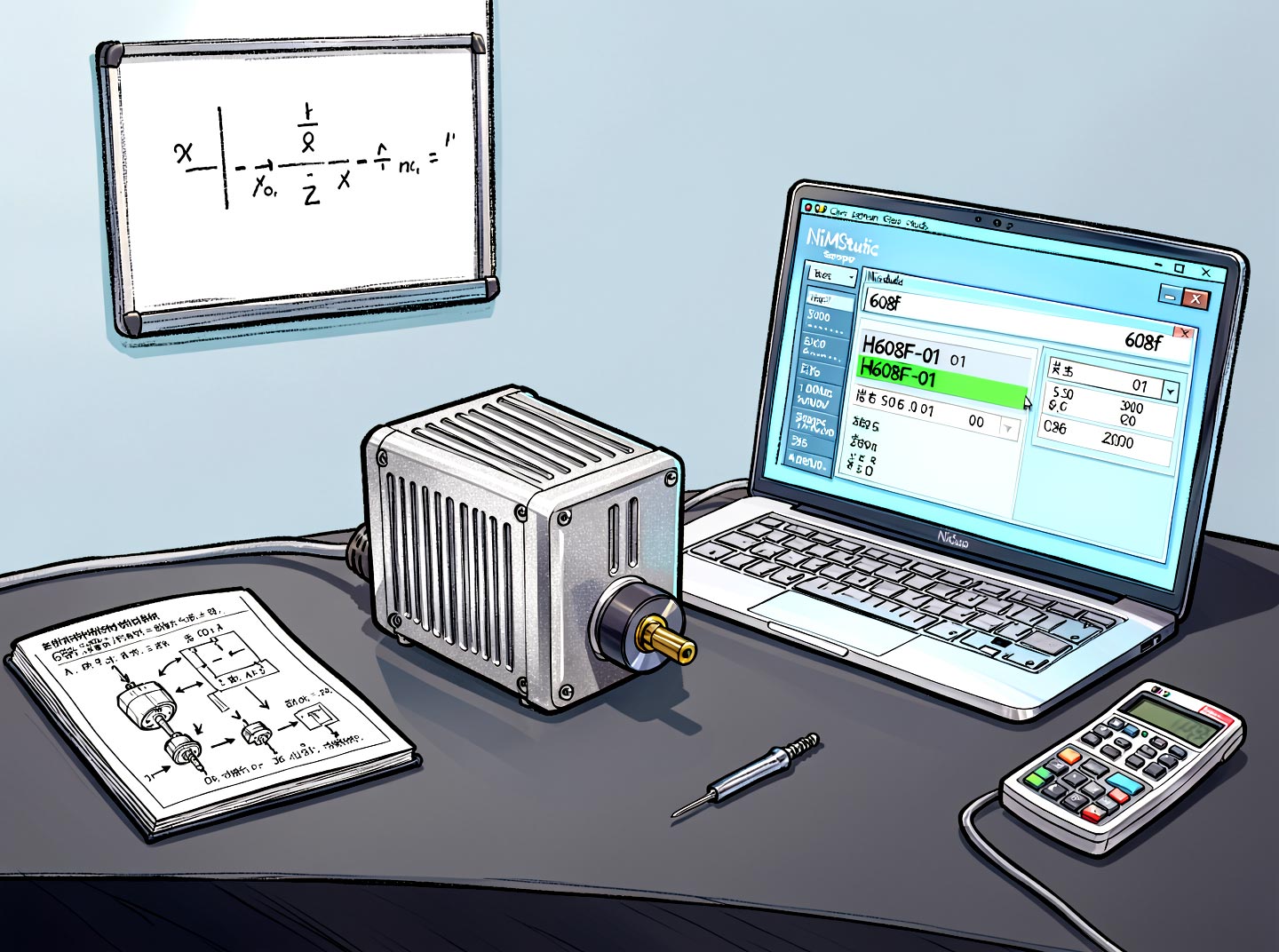
6. Adjust the three values shown in the image below as needed; these represent speed, acceleration, and deceleration, respectively (in units of rpm).
7. Click the button in the bottom-left corner to save all user parameters, then power-cycle the device. Once DI1 is triggered, the motor can be operated at a fixed speed using a single switch (or button).